Software
SackDesk
Control your Windows PC from your phone, at home or from any network.
Features
SackDesk
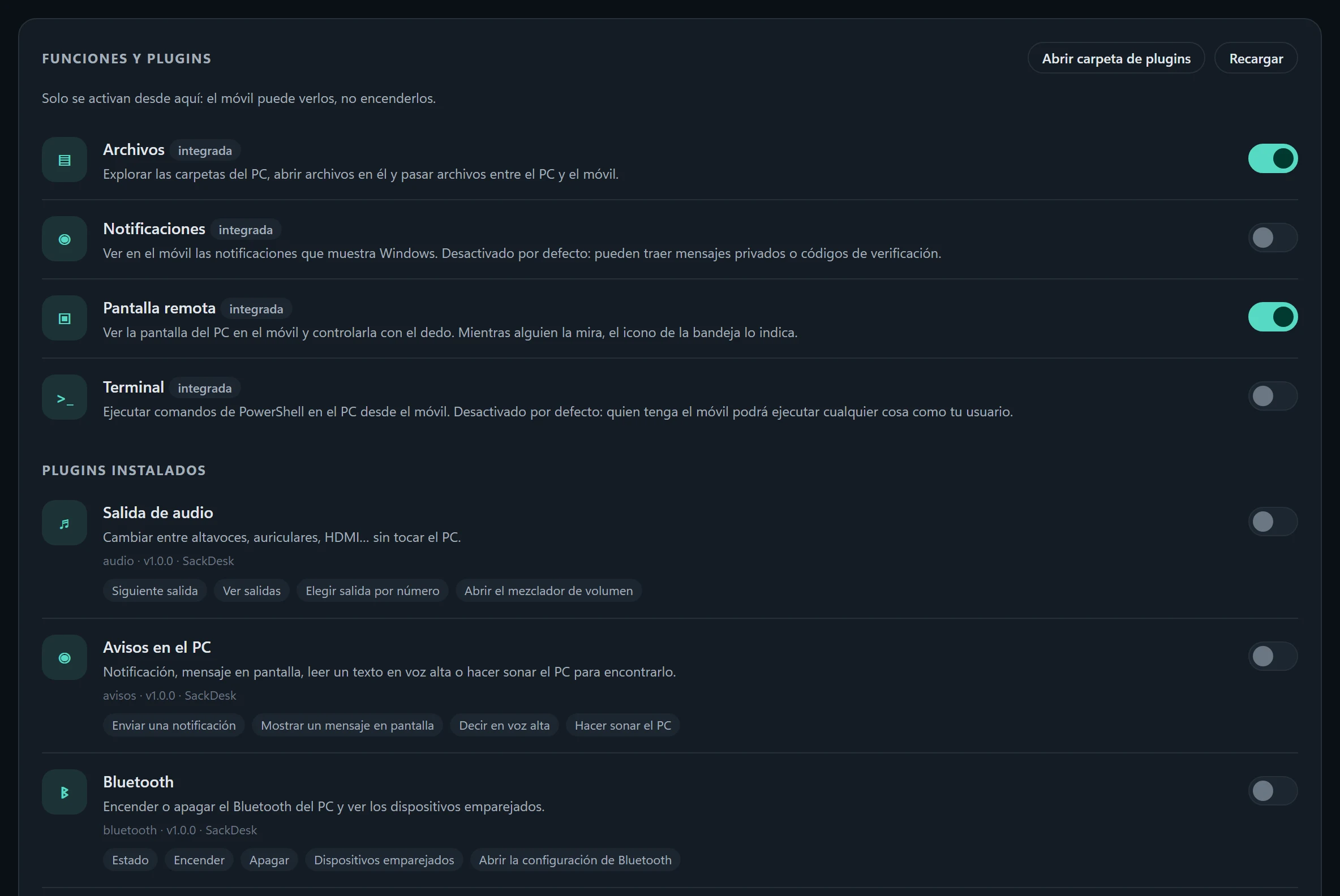
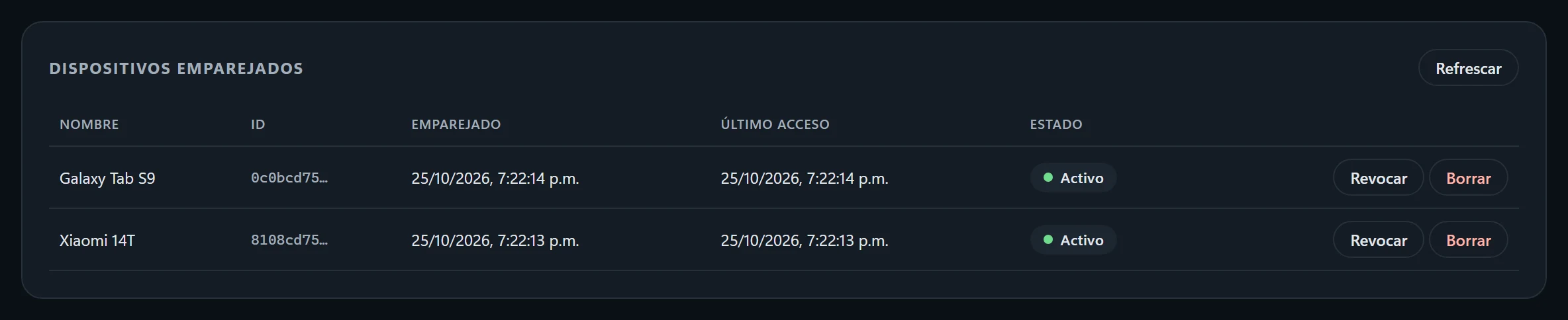
Mouse and keyboard, media, shut down or lock, open programs and check how the PC is doing, all from your phone. With Pro in the app you also get: remote screen with sound, files, terminal, Windows notifications, clipboard history, plugins and several PCs.
From any network. If an antivirus, the router or being away from home keeps the phone from reaching the PC, the connection goes through our server, encrypted end to end: the server sees nothing of what goes through.
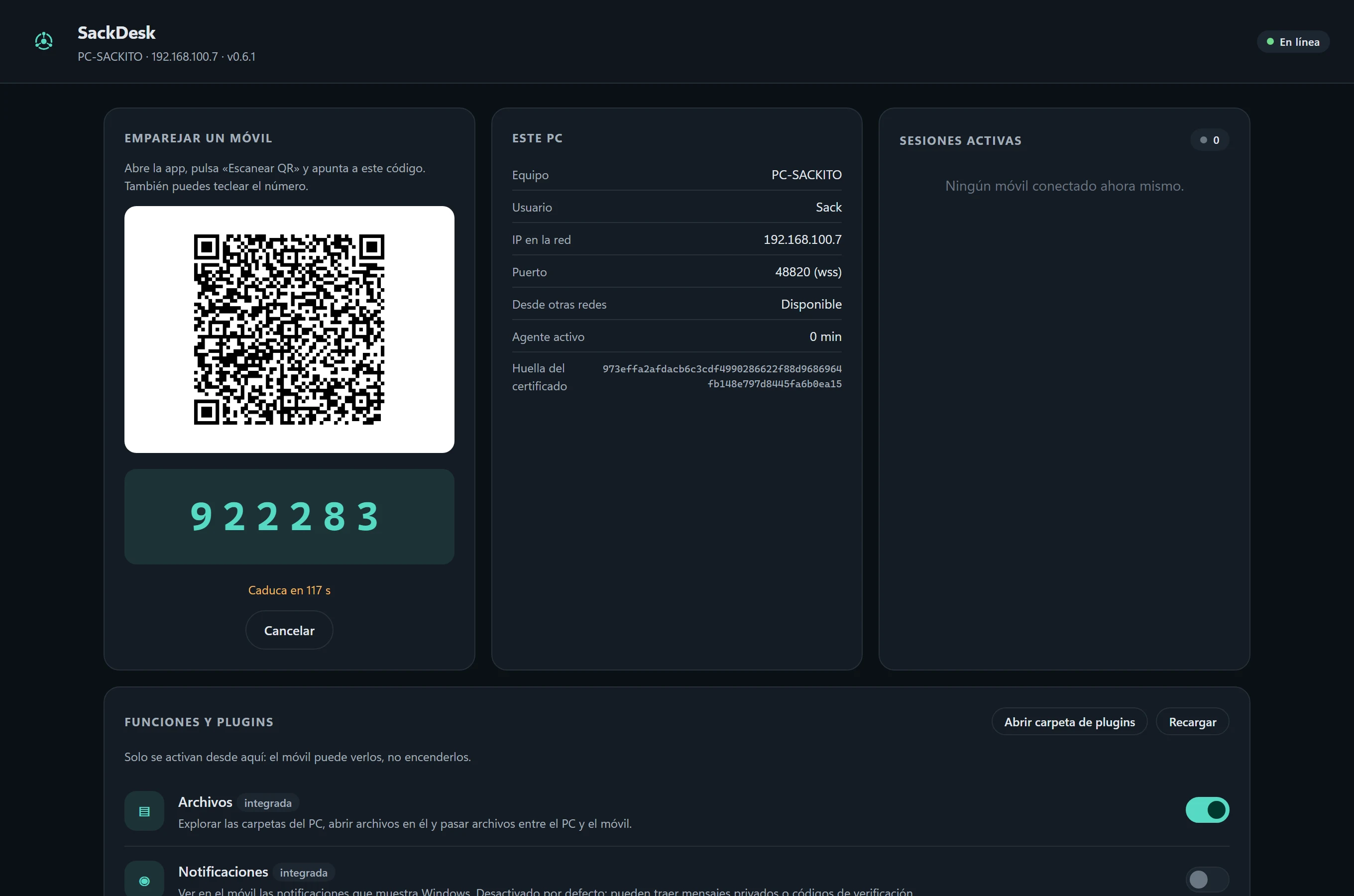
Installs itself. Download the program and open it: it installs for your user without asking for administrator rights, starts with Windows and opens a panel with a QR code. Scan it with the app and you are done. Uninstall it from Settings › Apps.
Windows may warn “Windows protected your PC” because the program is not signed yet: click “More info” and then “Run anyway”.
Screenshots
Screenshots
Specifications
Specifications
- System
- Windows 10 (2004) or 11, 64-bit
- Phone
- Android 8.0 or later app (coming to Google Play)
- Install
- Per user, no administrator
- Connection
- Home Wi-Fi or internet
- Security
- TLS pinned to the PC, QR pairing, Ed25519 keys
- License
- Free; optional Pro in the app
- Version
- 0.7.0
- Size
- 70 MB
- SHA-256
- a2967f890d8b96033372df17b878c48e226c83cbd3db152426239974c0fbc606
System log
Version history
- v0.7.0latest10/25/2026
- Plugin store in the PC panel: install, update and remove free plugins in one click. Each one is checked by signature before it installs and arrives switched off.
- First plugins in the store: Docker (containers, usage, start and stop) and virtual desktops.
- v0.6.110/25/2026
- New name: SackDesk (formerly PC Remote).
- v0.6.010/25/2026
- Connect from any network: when the phone cannot reach the PC, it goes through a bridge server, encrypted end to end.
- The program installs itself, updates by opening the new version and uninstalls from Settings › Apps.
- Stays connected when the PC's or the phone's IP changes.
- Remote screen: portrait monitors, sound and a more reliable start.
- Windows notifications on the phone.
- v0.5.010/4/2026
- Remote screen: see and control the desktop from the phone, with H.264 video on the graphics card.
- v0.4.09/25/2026
- One executable, no .NET to install.
- 22 bundled plugins (display, power, audio, network, cleanup…), switched on from the panel.
- Clipboard history and reliable reconnection.