
Software
SackRecover
Find deleted files on Windows and save copies of the files you can recover.
FreeWindows x64v1.0.1
Features
SackRecover
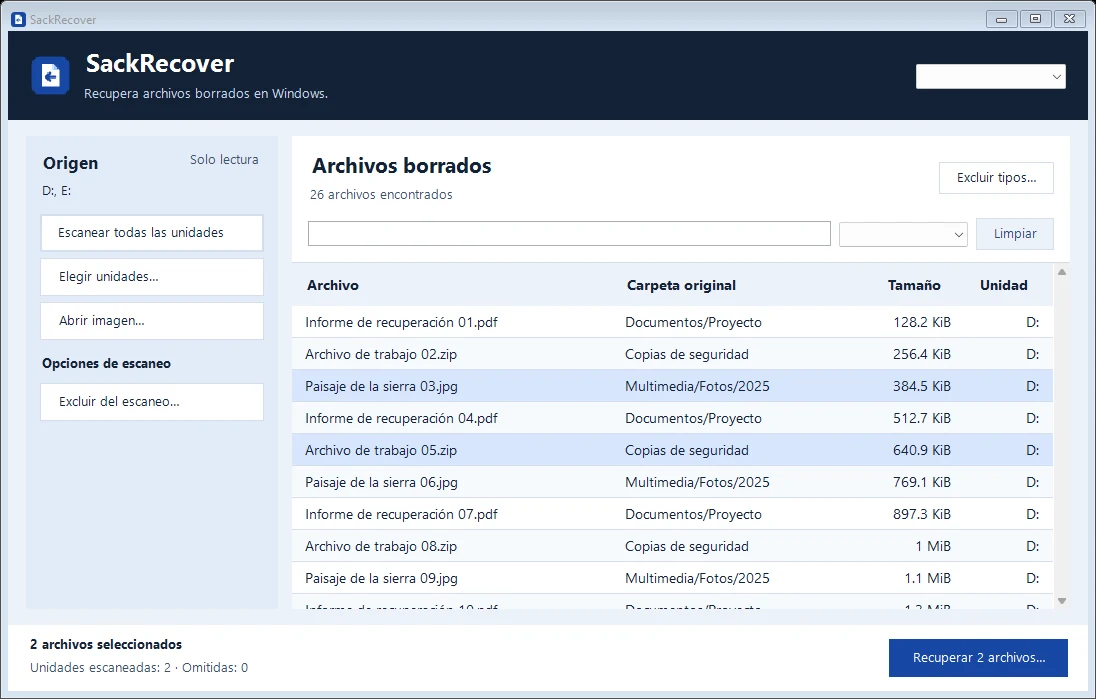
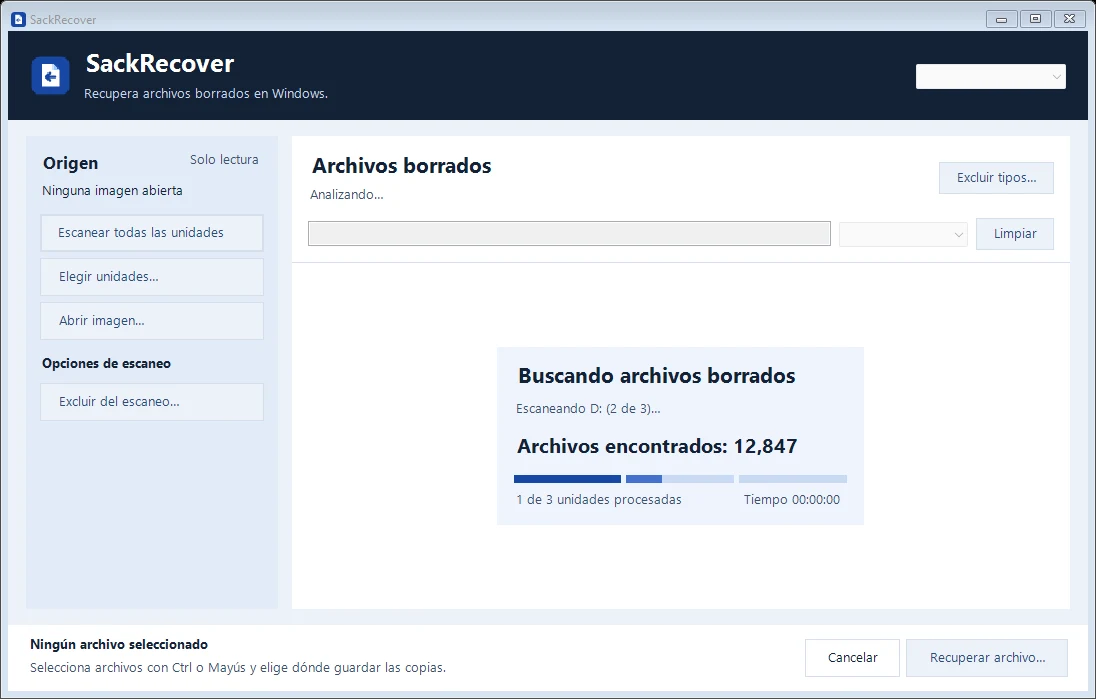
Choose one or more local drives, scan all drives, or open an NTFS image. You can exclude file types before scanning and filter by name, path, or type afterward.
Select one or more results and save copies to a separate physical drive. Scans are read-only, and all analysis runs on your computer. What you can recover depends on the condition of the data.
Screenshots
Screenshots
Specifications
Specifications
- System
- 64-bit Windows (x64)
- Local drives
- NTFS, FAT, and exFAT
- Install
- Per user. Scanning drives requires administrator permission.
- Languages
- Spanish, English, and Brazilian Portuguese
- Version
- 1.0.1
- Size
- 37 MB
- SHA-256
- 1b4c8713c802842d9b266a180540ce764363ed2e1d892dc9e3ad4e5d2b3ecdec
System log
Version history
- v1.0.1latest11/10/2026
- Checks for updates at startup and every 15 minutes. Install them from the app after the scan or recovery finishes.
- If you have version 1.0.0, run this installer once to enable updates.
- v1.0.011/10/2026
- Scan selected drives with a live file count.
- Exclude file types before scanning and filter the results.
- Recover multiple files with progress and cancellation.